Most providers end up moving a workload off one hypervisor at some point, whether that’s VMware, Hyper-V, or a public cloud platform like Azure. The reasons vary: cost, consolidating onto fewer platforms, or a client wanting infrastructure hosted somewhere specific. What doesn’t vary much is hesitation. Moving a workload sounds simple in theory and rarely feels that way in practice, mostly because of what’s actually involved once you get into it.
A lot of that difficulty sits at the hypervisor level specifically, not the workload itself. Here’s what Acronis does to cut through it and why the mechanics are worth understanding even if you’re not migrating anything this quarter.
One Console, Several Hypervisors
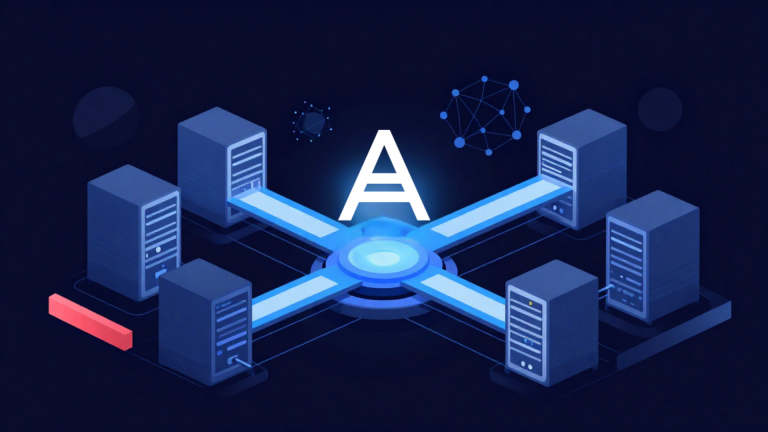
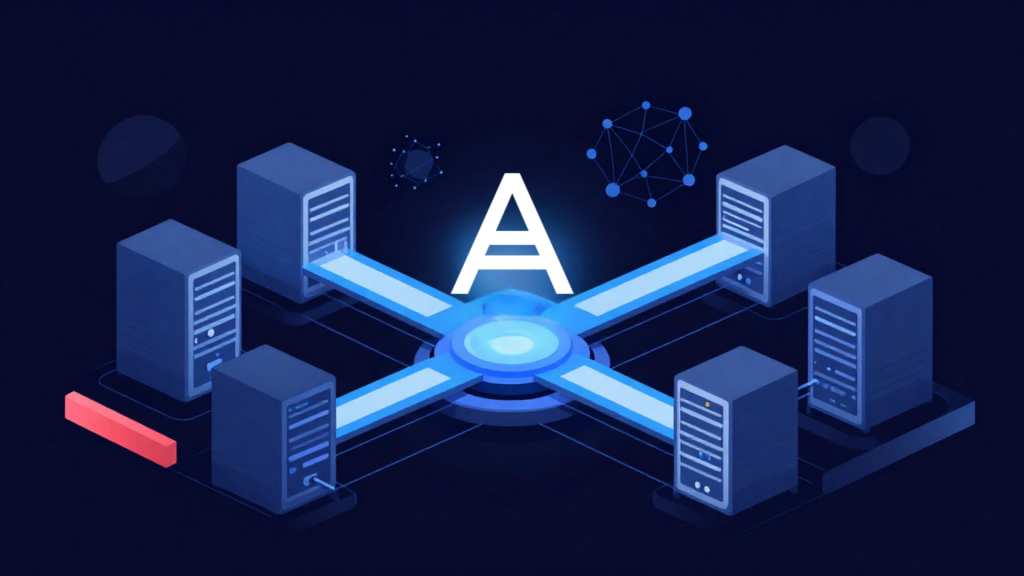
Acronis Cyber Protect Cloud backs up and manages workloads across VMware, Hyper-V, Proxmox VE, Nutanix AHV, Red Hat Virtualisation and KVM-based environments, alongside physical machines, all from a single console. For a provider running a mixed environment or supporting clients who each standardised on something different, that matters more than it sounds. Even if you are a service provider that runs one hypervisor. The move to another hypervisor does involve a level of complexity concerning timeframes and data accuracy. Acronis provides one interface and one set of skills to cover the estate, rather than a separate tool and a separate learning curve for every hypervisor in the mix.
The Backup Image is what Makes the Hypervisor Swappable
Here’s the part that matters most. Acronis uses agentless hypervisor backups for conversion between platforms: P2V, V2V, V2P and V2C (physical-to-virtual, virtual-to-virtual, virtual-to-physical and virtual-to-cloud). A backup taken from a VMware VM can be recovered as a Hyper-V VM. One taken from a physical server can land as a VM on a different hypervisor entirely. The backup a provider is already running for protection purposes is the same asset that gets a workload onto its next platform.
Dissimilar Hardware Stops Being a Blocker
Recovery supports dissimilar hardware, so the target machine doesn’t need to match the source’s exact configuration for the restore to work, but it should be equal to or more than the available resources. That single point removes a lot of the classic migration anxiety, the fear that a workload simply won’t boot once it lands somewhere new, because the hardware or hypervisor underneath it looks nothing like where it came from.
For Providers Replacing the Platform Itself
There’s a related but distinct case worth mentioning: a provider not just moving individual workloads but replacing the underlying virtualisation platform entirely. Acronis CyberFrame is Virtuozzo, purpose-built for that scenario. It includes its own migration paths for bringing workloads across in bulk or staging and validating them on the new platform before committing to a cutover, so an infrastructure replacement project doesn’t have to mean rebuilding tenant structure, storage policy and networking by hand alongside it.
Worth Keeping in Mind
In South Africa specifically, hypervisor and platform moves often come bundled with a data residency question, particularly where POPIA requires knowing exactly where client data is processed and stored. Cross-platform recovery that’s been tested and understood in advance makes that a much easier conversation to have with a client, rather than a scramble once the decision’s already been made.
None of this removes the planning a migration still needs. Application dependencies, licensing and network configuration all still require proper thought. But the parts that used to make a hypervisor move feel like starting from scratch: Different formats, hardware that must match, a separate tool for every platform, are largely already handled underneath.
If these are questions you’re still working through, we’re always happy to talk through what’s worked for other providers navigating the same shift.
And if infrastructure architecture is already on your mind, it’s worth reading about our take on VMs versus containers next – a related decision that’s just as easy to leave for later than it ought to be.